Add text to a video in your browser
elevate.io is the online video editor that lets you add and design text easily right in your browser.
Text to speech
Text to speech
Text to speech
Text to speech
How to add text to a video
01
Create a new project
Click the blue Create project button in the top right of your workspace.
02
Upload your video
03
Add and design your text
04
Hit Export to get your video
01
Create a new project
Click the blue Create project button in the top right of your workspace.
01
Create a new project
Click the blue Create project button in the top right of your workspace.
01
Create a new project
Click the blue Create project button in the top right of your workspace.
Editing tips

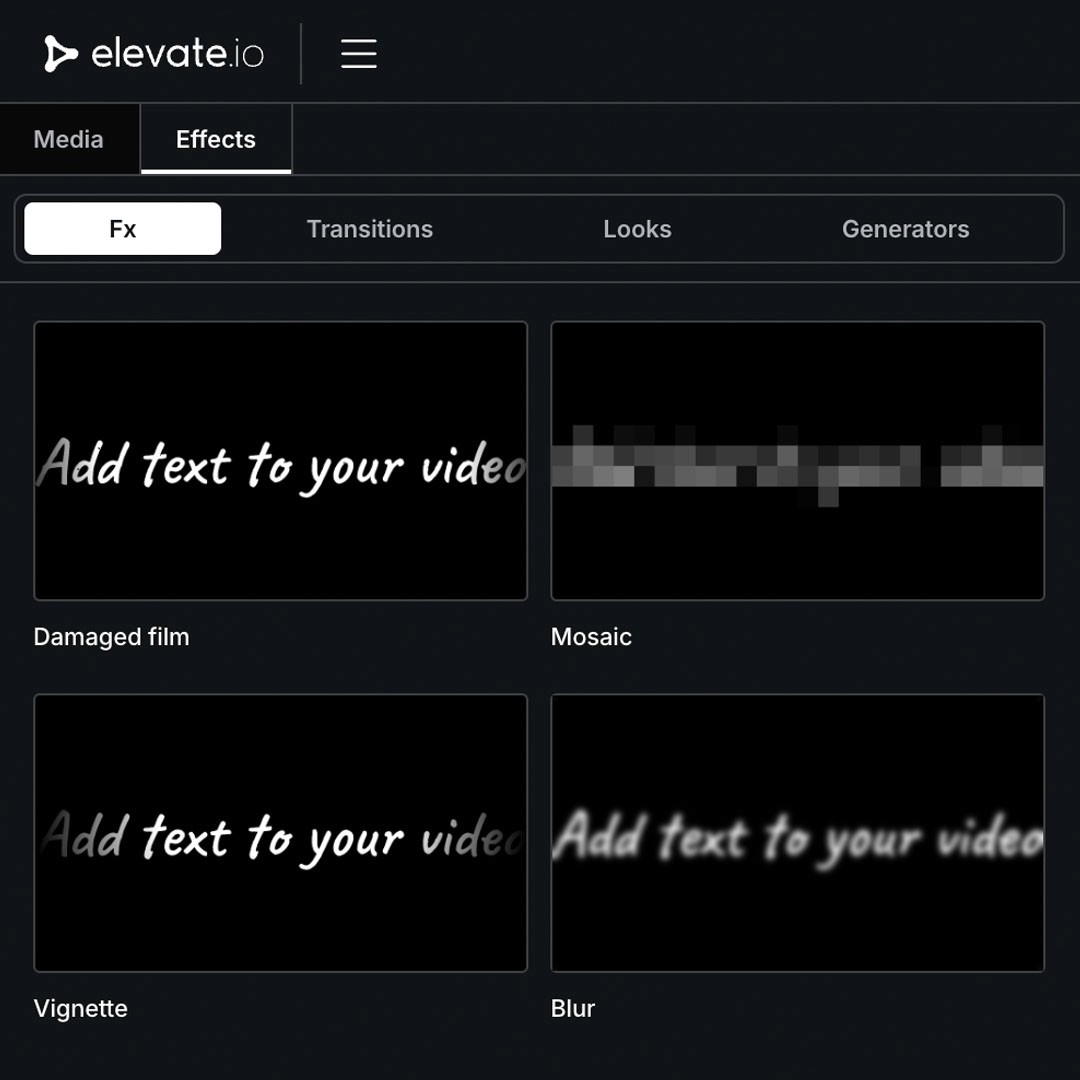
Add effects to text
Make your titles pop by adding any type of Fx or Look directly to your text. Drag and drop effects just like you would add them to a video clip.

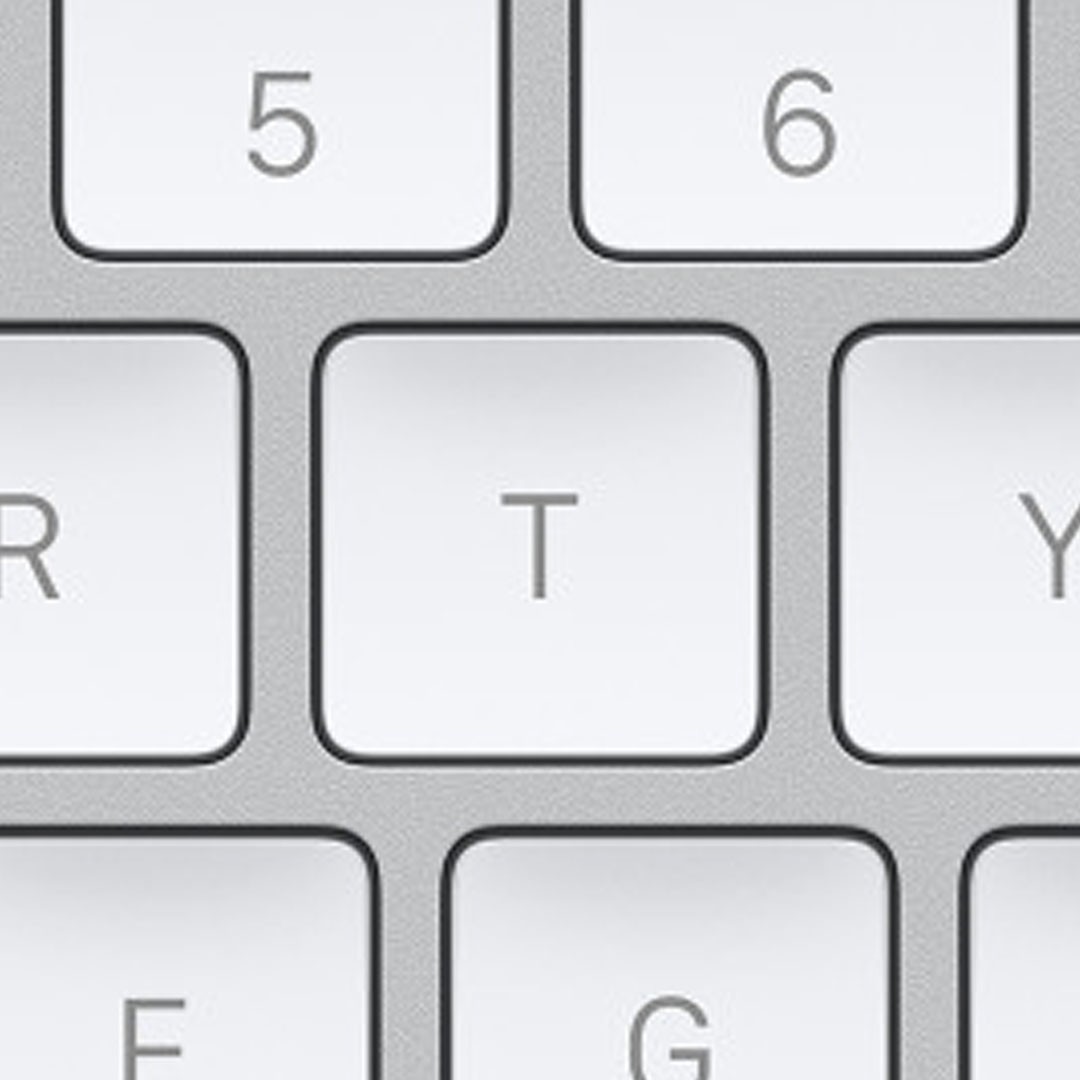
Keyboard shortcut
Hit the
Tkey on your keyboard to quick add text to your current playhead position.
Add effects to text
Make your titles pop by adding any type of Fx or Look directly to your text. Drag and drop effects just like you would add them to a video clip.

Keyboard shortcut
Hit the
Tkey on your keyboard to quick add text to your current playhead position.
Add effects to text
Make your titles pop by adding any type of Fx or Look directly to your text. Drag and drop effects just like you would add them to a video clip.

Keyboard shortcut
Hit the
Tkey on your keyboard to quick add text to your current playhead position.
Add effects to text
Make your titles pop by adding any type of Fx or Look directly to your text. Drag and drop effects just like you would add them to a video clip.

Keyboard shortcut
Hit the
Tkey on your keyboard to quick add text to your current playhead position.

Add effects to text
Make your titles pop by adding any type of Fx or Look directly to your text. Drag and drop effects just like you would add them to a video clip.

Keyboard shortcut
Hit the
Tkey on your keyboard to quick add text to your current playhead position.
Add effects to text
Make your titles pop by adding any type of Fx or Look directly to your text. Drag and drop effects just like you would add them to a video clip.

Keyboard shortcut
Hit the
Tkey on your keyboard to quick add text to your current playhead position.
Add effects to text
Make your titles pop by adding any type of Fx or Look directly to your text. Drag and drop effects just like you would add them to a video clip.

Keyboard shortcut
Hit the
Tkey on your keyboard to quick add text to your current playhead position.
Add effects to text
Make your titles pop by adding any type of Fx or Look directly to your text. Drag and drop effects just like you would add them to a video clip.

Keyboard shortcut
Hit the
Tkey on your keyboard to quick add text to your current playhead position.

Add effects to text
Make your titles pop by adding any type of Fx or Look directly to your text. Drag and drop effects just like you would add them to a video clip.

Keyboard shortcut
Hit the
Tkey on your keyboard to quick add text to your current playhead position.
Add effects to text
Make your titles pop by adding any type of Fx or Look directly to your text. Drag and drop effects just like you would add them to a video clip.

Keyboard shortcut
Hit the
Tkey on your keyboard to quick add text to your current playhead position.
Add effects to text
Make your titles pop by adding any type of Fx or Look directly to your text. Drag and drop effects just like you would add them to a video clip.

Keyboard shortcut
Hit the
Tkey on your keyboard to quick add text to your current playhead position.
Add effects to text
Make your titles pop by adding any type of Fx or Look directly to your text. Drag and drop effects just like you would add them to a video clip.

Keyboard shortcut
Hit the
Tkey on your keyboard to quick add text to your current playhead position.

Add effects to text
Make your titles pop by adding any type of Fx or Look directly to your text. Drag and drop effects just like you would add them to a video clip.

Keyboard shortcut
Hit the
Tkey on your keyboard to quick add text to your current playhead position.
Add effects to text
Make your titles pop by adding any type of Fx or Look directly to your text. Drag and drop effects just like you would add them to a video clip.

Keyboard shortcut
Hit the
Tkey on your keyboard to quick add text to your current playhead position.
Add effects to text
Make your titles pop by adding any type of Fx or Look directly to your text. Drag and drop effects just like you would add them to a video clip.

Keyboard shortcut
Hit the
Tkey on your keyboard to quick add text to your current playhead position.
Add effects to text
Make your titles pop by adding any type of Fx or Look directly to your text. Drag and drop effects just like you would add them to a video clip.

Keyboard shortcut
Hit the
Tkey on your keyboard to quick add text to your current playhead position.
FAQ
Is elevate.io free?
Yes, elevate.io’s free Starter plan includes all core video editing tools. You can put text on your videos for free.
Is elevate.io free?
Yes, elevate.io’s free Starter plan includes all core video editing tools. You can put text on your videos for free.
Is elevate.io free?
Yes, elevate.io’s free Starter plan includes all core video editing tools. You can put text on your videos for free.
Is elevate.io free?
Yes, elevate.io’s free Starter plan includes all core video editing tools. You can put text on your videos for free.
Do I need to download or install anything?
No, elevate.io is a fully online video editor that runs in your browser. You can edit videos and place comments without needing to download any software.
Do I need to download or install anything?
No, elevate.io is a fully online video editor that runs in your browser. You can edit videos and place comments without needing to download any software.
Do I need to download or install anything?
No, elevate.io is a fully online video editor that runs in your browser. You can edit videos and place comments without needing to download any software.
Do I need to download or install anything?
No, elevate.io is a fully online video editor that runs in your browser. You can edit videos and place comments without needing to download any software.
Can I add text to a vertical video for social media?
elevate.io supports all the most widely used social media resolutions, including horizontal and vertical. Export for your favorite platform with ease.

Can I add text to a vertical video for social media?
elevate.io supports all the most widely used social media resolutions, including horizontal and vertical. Export for your favorite platform with ease.
Can I add text to a vertical video for social media?
elevate.io supports all the most widely used social media resolutions, including horizontal and vertical. Export for your favorite platform with ease.
Can I add text to a vertical video for social media?
elevate.io supports all the most widely used social media resolutions, including horizontal and vertical. Export for your favorite platform with ease.
© 2026 elevate.io™ is a registered trademark of Blackbird plc. All rights reserved.