The best Chromebook video editor for serious editing
The best Chromebook video editor for serious editing
Updated on
If you’re an aspiring video editor using a Chromebook as your main device, you must be frustrated by the lack of ChromeOS support from pro tools such as Adobe Premiere Pro, Final Cut Pro, and DaVinci Resolve. You might have learned how to edit videos on these powerful video editors at school or through the many great tutorials available on YouTube.
Video editing in your browser
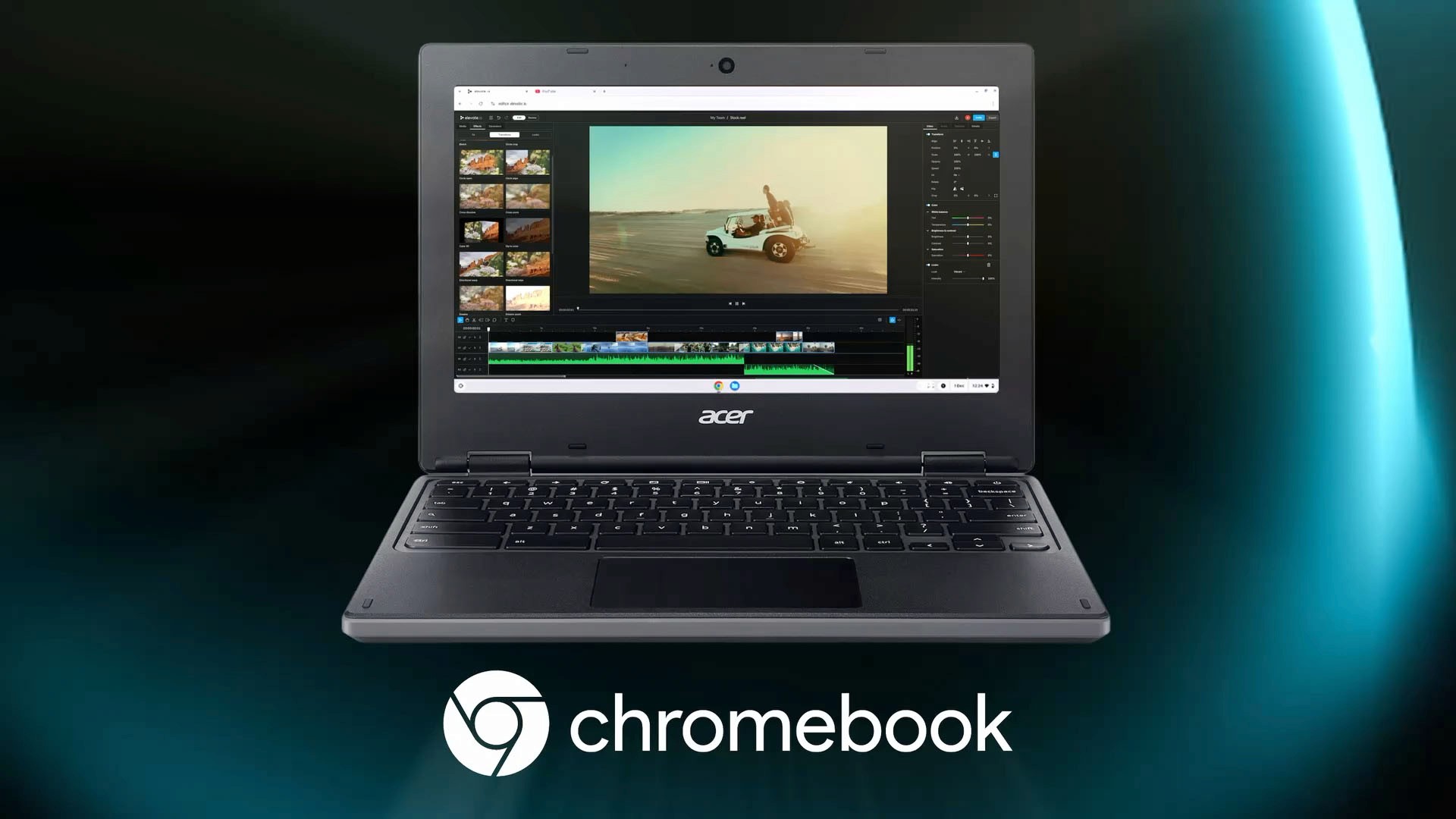
elevate.io is the online video editor with a workflow that’s similar to Premiere and DaVinci. It’s optimized to run smoothly in your Google Chrome browser on your Chromebook, no installation required. If you’ve learned how to edit on any of the classic pro editors, you’ll feel right at home when you see elevate.io’s interface. The timeline, preview window, media browser, and general snappy and responsive feel of elevate.io will immediately be familiar to you.
Powerful video editing features
With elevate.io, Chromebook users have access to pro editing tools. You can use epic transitions, beautiful color grading LUTs, powerful AI tools, special Fx, speed adjustments, and so much more. Discover and try all of elevate.io's features for yourself.
4K Ultra HD editing without compromise
Chromebooks have a hard time with heavy, high-resolution video files. Don't worry — elevate.io takes care of all the heavy processing in the cloud, so you can create beautiful 4K Ultra HD videos in your Google Chrome browser without a hitch.
All your projects in the cloud
Most Chromebooks come with tiny 16GB to 64GB internal hard drives. If you’re shooting 4K footage, you’ll be moving files between external hard drives constantly. For some projects, the entire hard drive capacity of your Chromebook won’t even be enough for all of your files. With elevate.io, your Chromebook’s hard drive capacity no longer matters. Your video files and projects will live in your workspace in the cloud, so that your hard drive space never limits your creativity.
Get editing on ChromeOS
elevate.io has a generous free Starter plan with cloud storage. All core editing tools are included and there is no watermark or time limit.
If you’re an aspiring video editor using a Chromebook as your main device, you must be frustrated by the lack of ChromeOS support from pro tools such as Adobe Premiere Pro, Final Cut Pro, and DaVinci Resolve. You might have learned how to edit videos on these powerful video editors at school or through the many great tutorials available on YouTube.
Video editing in your browser
elevate.io is the online video editor with a workflow that’s similar to Premiere and DaVinci. It’s optimized to run smoothly in your Google Chrome browser on your Chromebook, no installation required. If you’ve learned how to edit on any of the classic pro editors, you’ll feel right at home when you see elevate.io’s interface. The timeline, preview window, media browser, and general snappy and responsive feel of elevate.io will immediately be familiar to you.
Powerful video editing features
With elevate.io, Chromebook users have access to pro editing tools. You can use epic transitions, beautiful color grading LUTs, powerful AI tools, special Fx, speed adjustments, and so much more. Discover and try all of elevate.io's features for yourself.
4K Ultra HD editing without compromise
Chromebooks have a hard time with heavy, high-resolution video files. Don't worry — elevate.io takes care of all the heavy processing in the cloud, so you can create beautiful 4K Ultra HD videos in your Google Chrome browser without a hitch.
All your projects in the cloud
Most Chromebooks come with tiny 16GB to 64GB internal hard drives. If you’re shooting 4K footage, you’ll be moving files between external hard drives constantly. For some projects, the entire hard drive capacity of your Chromebook won’t even be enough for all of your files. With elevate.io, your Chromebook’s hard drive capacity no longer matters. Your video files and projects will live in your workspace in the cloud, so that your hard drive space never limits your creativity.
Get editing on ChromeOS
elevate.io has a generous free Starter plan with cloud storage. All core editing tools are included and there is no watermark or time limit.